
Your e-wallet says a payment went through, but you cannot find the receipt or reference number. Before sending another payment, check the original transaction in GCash or Maya. The reference helps a payment provider or receiving service locate the correct transfer; it does not prove that your gaming balance has been credited.
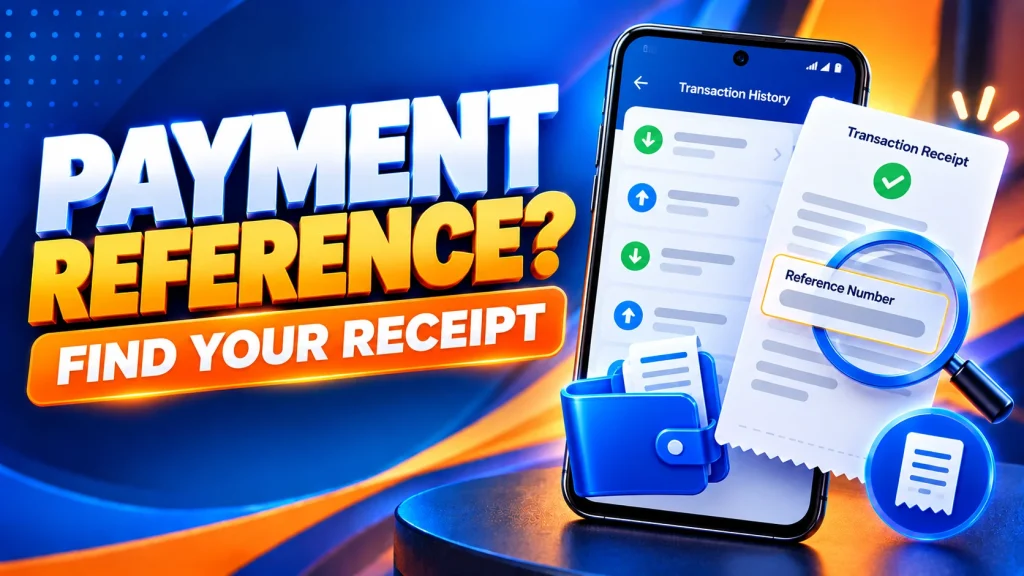
What Is a Payment Reference Number?
A reference number (sometimes called a transaction ID, reference ID or InstaPay reference) identifies a particular payment record. It is different from your OKGames username, the receiving account number and any transaction ID shown by a separate gaming service.
When checking a disputed payment, match the reference, amount, date, time and destination rather than relying on a screenshot alone.
How to Find Your GCash Reference Number
- Open the GCash app and sign in to your own wallet.
- Tap Transactions and locate the payment by date and amount. GCash currently lets you review recent activity in this area, with Load More for additional entries.
- Open the matching transaction and look for Reference No., Ref No., or another identifier shown in its details.
- Save the reference and transaction status securely. If the item does not appear, check the app’s inbox and the wallet balance before assuming it completed.
For an older record, GCash also offers Request transaction history in the Transactions area. Follow the app’s instructions to receive the statement. A PDF statement may contain sensitive information, so keep it private.
How to Find a Maya Transaction Reference
- Open the Maya app and sign in.
- Go to the available transaction history or activity list and select the matching payment.
- Check the receipt or transaction details for the reference number, receipt number or InstaPay Ref No., depending on the payment type.
- Compare the amount, date, destination and status with the payment you intended to make.
Maya’s labels can differ across wallet payments, bank transfers and bills payments. If the record cannot be found, use Profile → Get help in Maya and follow its support instructions instead of guessing an ID.
Does a Reference Number Mean the Deposit Is Complete?
No. A wallet can report a payment as successful while the receiving account has not yet displayed the credit. Pending, Failed and Reversed describe different situations and should not be treated as successful deposits.
Check both sides of the transaction. If the e-wallet record says Successful but the receiving balance is unchanged, save the details and follow our OKGames deposit-not-credited guide for the next checks.
Do not make a second payment just because the first one has not appeared. Wait for the applicable status to be clarified.
What Should You Send When Reporting a Missing Payment?
Prepare a short, accurate summary:
- Payment method: GCash or Maya
- Reference number shown by the wallet
- Exact amount in PHP
- Transaction date and time in Philippine Time (PHT)
- Status and receiving service shown in the transaction record
- A redacted receipt, if the verified support team requests it
Never share your MPIN, password, OTP, recovery codes or full card details. Do not post payment receipts publicly. For general method information, read our OKGames GCash guide or Payment Guide.
Our public guides cannot trace private transfers or credit a gaming balance. Contact the payment provider for wallet-side errors; contact the actual receiving service when the provider confirms completion but the account is still not credited.
Quick FAQ
Where is the GCash reference number?
Open GCash → Transactions, select the payment and review its details. The label may vary with the transaction type.
Are the Maya receipt number and InstaPay reference the same?
Not always. Maya uses different identifiers for different transactions. Use the identifier displayed with the exact payment when reporting a concern.
Can a screenshot alone confirm payment?
No. Check the live transaction record. Screenshots can be incomplete or altered, and the recipient may still need to verify receipt.
Bottom line: Find the transaction first, copy its exact reference, confirm its status and contact the right support channel. Keep your account information private and never repeat an unresolved payment.