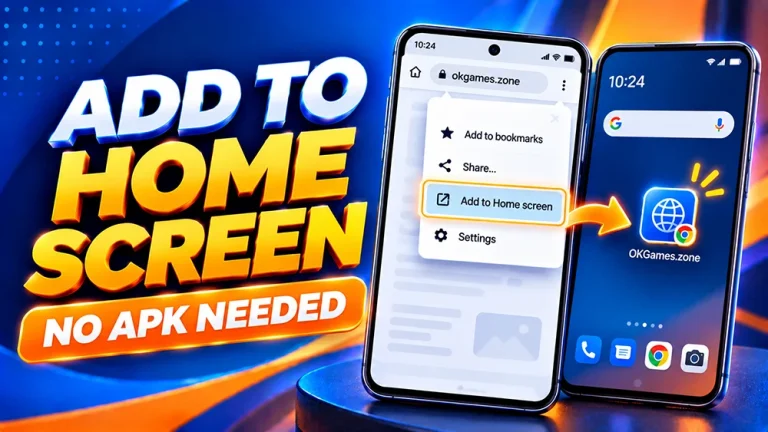
OKGames on Android: Add a Home Screen Shortcut
Open OKGames faster on Android without an APK. Follow Chrome shortcut steps, fix missing Home Screen options, and understand website versus app access.

Open OKGames faster on Android without an APK. Follow Chrome shortcut steps, fix missing Home Screen options, and understand website versus app access.
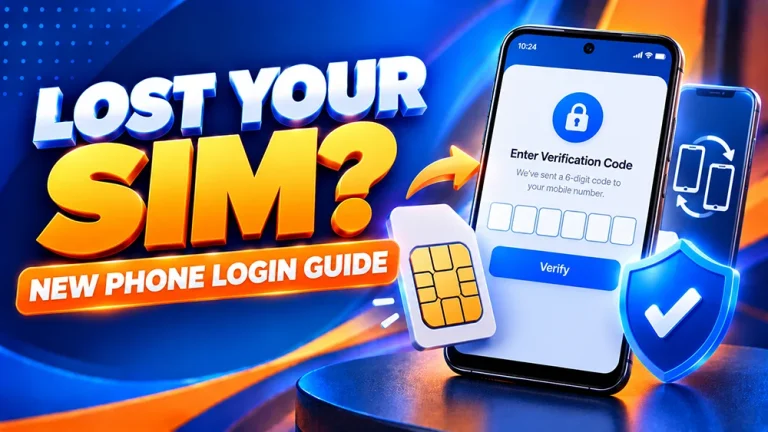
Lost your SIM or changed phones? Learn how to protect your OKGames account, handle OTP problems and request a safe mobile-number update.
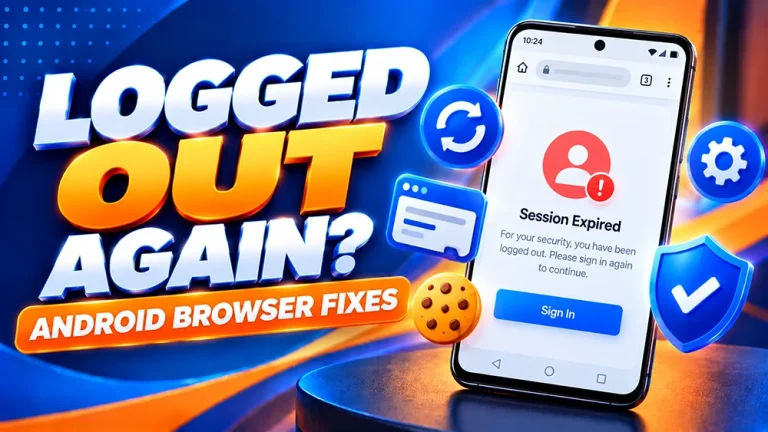
OKGames keeps logging you out on Android? Check browser cookies, private tabs and session errors, then follow safe steps to restore access.
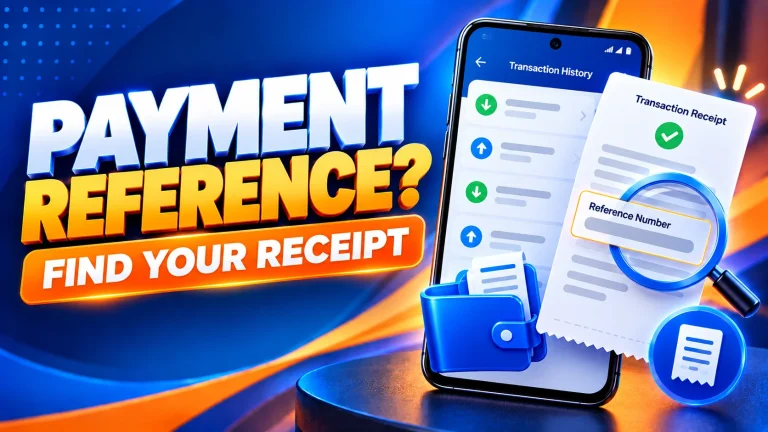
Need your OKGames payment reference number? Find GCash or Maya transaction receipts, check payment status and prepare details for a missing deposit report.
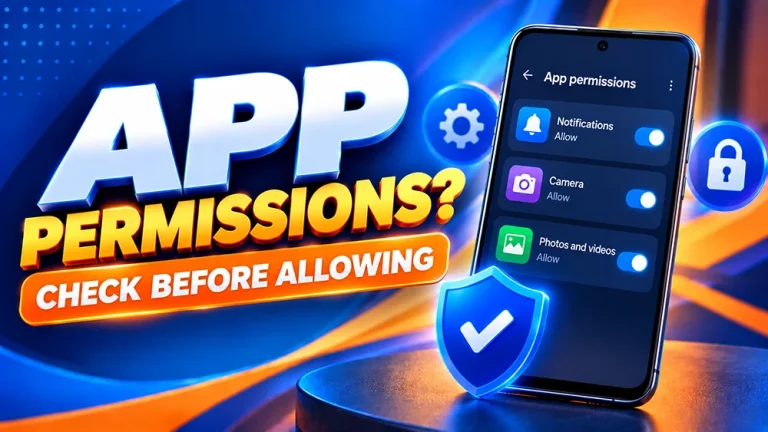
Not sure which Android permissions to allow for OKGames? Learn how to check app access, manage notifications and switch off APK install permissions safely.

OKGames app download link not working? Check button errors, Chrome downloads, failed APK files and safe Android troubleshooting steps.
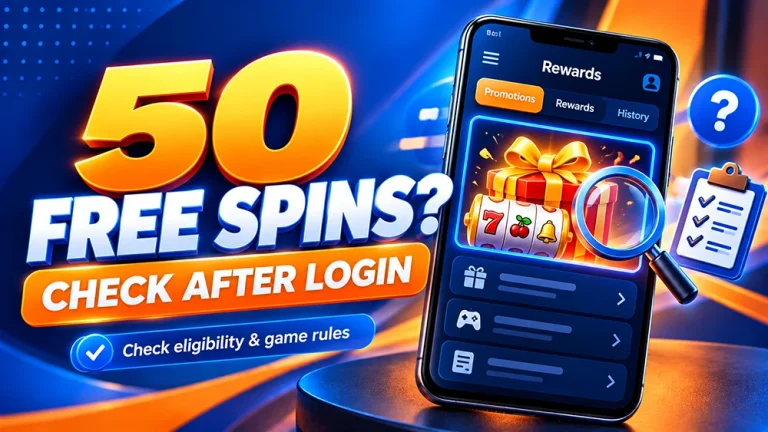
Looking for OKGames 50 Free Spins? Learn where to check the offer after login, review eligible games and conditions, and troubleshoot missing rewards.
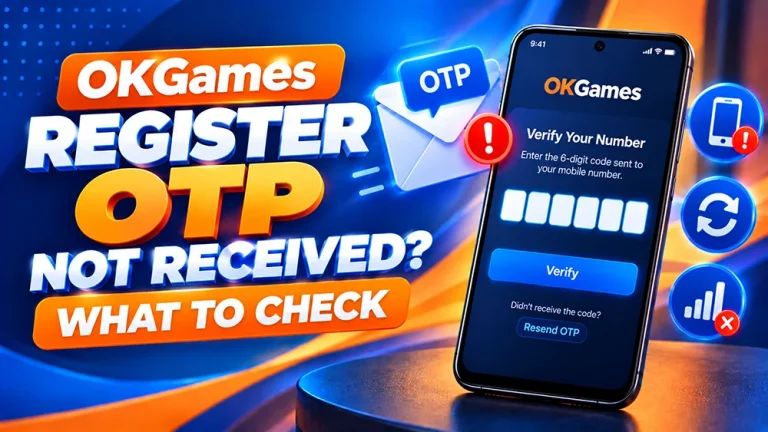
OKGames registration OTP not received? Check your PH mobile number, SMS filters, resend timing and expired codes before trying again.
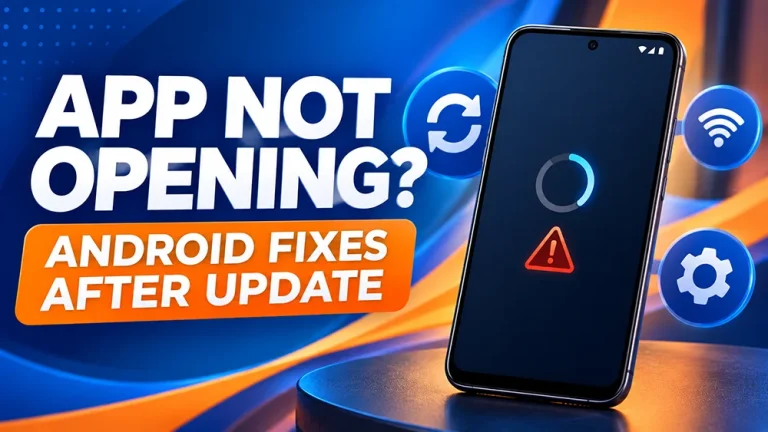
OKGames app not opening after an update? Try safe Android fixes for crashes, white screens and launch errors before reinstalling your APK.

Explore OKGames Tongits Go, learn simple card tips, understand JILI game features and discover how to enjoy Tongits on your mobile phone.