
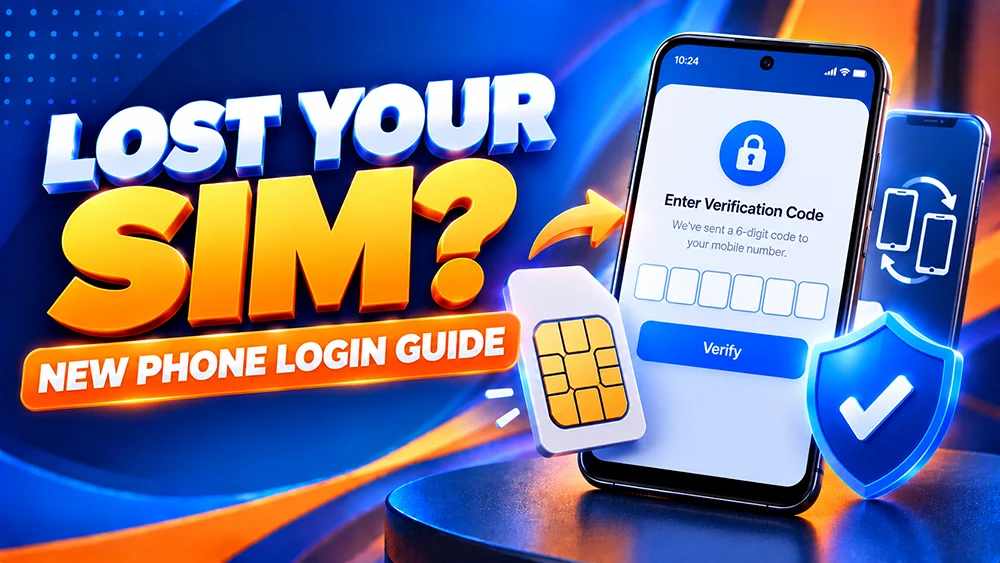
Changed your Android phone but can no longer receive a verification code? Or did you lose the SIM connected to your OKGames account? Do not create a second account or share a code with someone offering a quick fix. First, work out whether you still control your registered mobile number.
New Phone or Lost SIM: Know the Difference
New phone, same active SIM: You may still receive messages on your registered number. Move the SIM only if it is safe to do so, then follow any verification instructions when signing in.
Lost or inactive SIM: You may be unable to receive a code sent to the old number. A new handset or a new SIM with a different number does not automatically change the number attached to your OKGames account.
Lost or stolen phone: Account security comes first. Secure your mobile number and device before attempting repeated sign-ins.
What to Do If You Still Have Your Number
- Open our OKGames Login page in a trusted browser or your existing app.
- Enter the account details you normally use. Check that saved autofill information is current.
- If asked for an OTP, read where the code is being sent and use only the newest valid code.
- If the code does not arrive, check that your registered SIM has signal and can receive regular texts. Follow the on-screen resend timer rather than requesting codes repeatedly.
Changing phones may trigger additional checks. Do not assume that a password alone will bypass verification.
What If Your Registered SIM Is Missing?
First, contact your mobile network provider through its established support channels to report the lost SIM and ask what recovery or replacement options are available. The provider—not OKGames—controls your mobile number and SIM service.
If you cannot regain access to the number, use the help or support option reached through our website. Explain that the number registered to your account is no longer accessible. Ask which identity-verification steps are available for a contact-detail change.
We cannot promise that every account has a self-service phone-number editor, that the change will be immediate, or that an alternative OTP method will be offered. Follow the instructions actually shown for your account.
If Your Phone Was Stolen, Protect Your Accounts
Use a trusted device to secure the email account linked to your phone and review any available device-finding or remote-lock options. Contact your mobile provider to protect the SIM. If you suspect someone accessed your OKGames account, report the concern through the site’s verified support route.
Do not send your password, OTP, recovery codes or ID photos through unsolicited chat messages. Send identity documents only through a verified process when specifically required.
For general account-detail checks, see our account management guide.
Before Asking to Change a Mobile Number
Prepare the information that support may reasonably need to locate the account, such as your username, the approximate date you last accessed it, and the exact error shown. Tell them whether your SIM was lost, deactivated or replaced.
Do not publish your old number or private identity details in a public comment. If verification is requested, follow the secure channel provided for that purpose. A contact-detail update may require an ownership check.
For more on why an account may ask for a code on a different device, read our login verification guide.
Quick FAQ
Can I sign in to OKGames on a new phone?
You can try the usual login method on a supported device. Additional verification may be required, especially when the device is new.
Will a replacement SIM update my OKGames number?
Not automatically. Confirm whether the replacement retains your original number and check your registered account details separately.
Should I register again if I lost my SIM?
No. First try the existing account-recovery and support routes; creating another account can complicate ownership checks.
Can support send my OTP to another number?
Do not assume so. Any alternative verification or phone-number change depends on the options offered after appropriate account checks.
Next step: Secure your number, use the existing login, and request a verified account review if you can no longer receive codes. Do not bypass security checks or share sensitive information to regain access.